
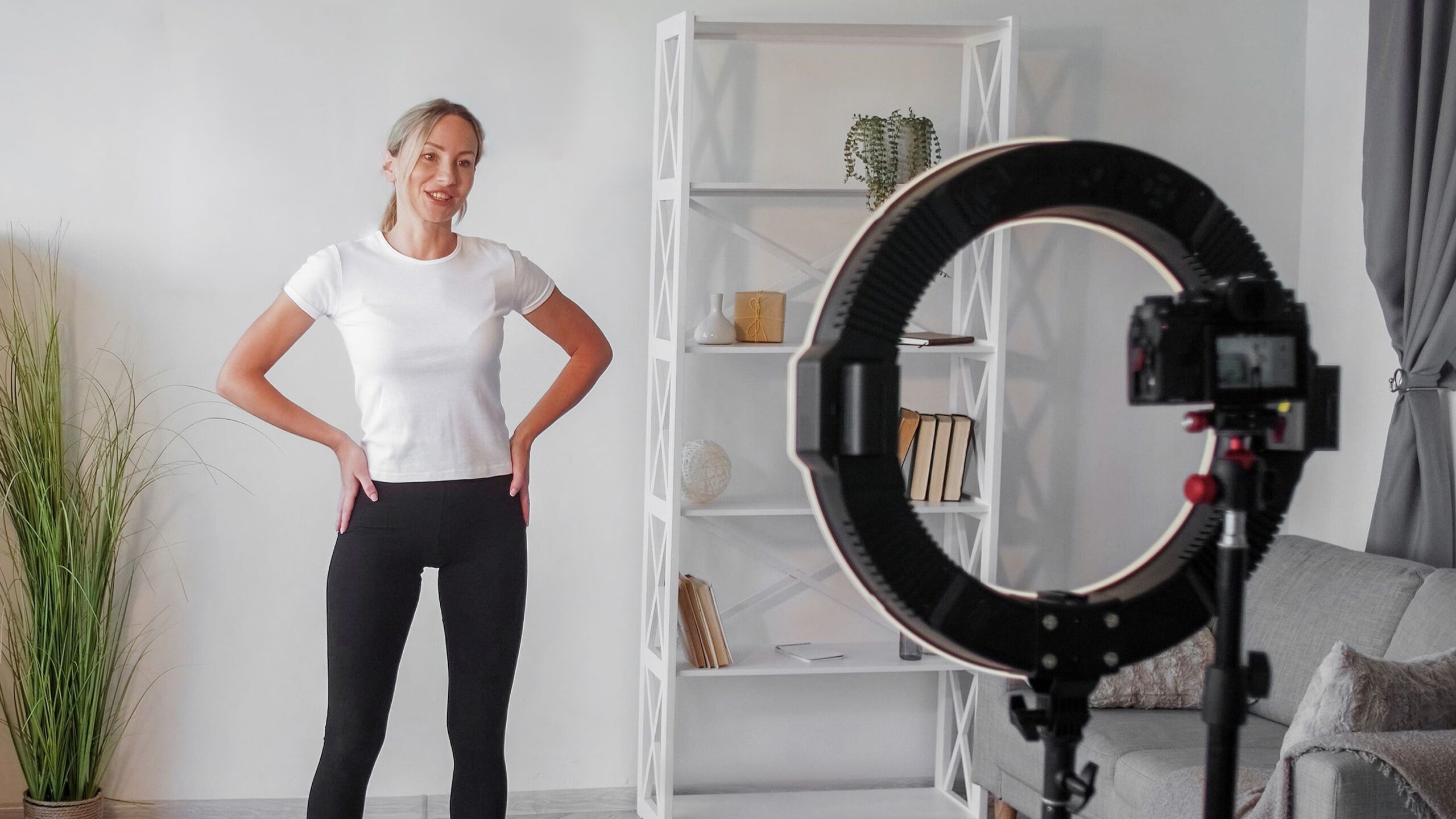
Taking ID photos might sound like a job that requires a fancy camera and a studio setup — but guess what? You don’t need to be a pro or own expensive equipment to get a perfect shot for your ID. Whether it’s for a passport, driver’s license, student card, or work ID, this guide will walk you through the simple steps to snap a quality photo right at home. Let’s dive in and learn how to master the art of ID photos with nothing but your smartphone or a basic camera.
Why Taking Your Own ID Photo Is Totally Doable
You might be wondering if it’s really possible to take a high-quality ID photo all by yourself without professional equipment or a studio setup. The answer is a resounding yes! Thanks to the advances in smartphone camera technology, most modern phones come equipped with powerful lenses and sensors that can capture clear, detailed images suitable for official documents. You don’t need to be a photography expert or invest in expensive gear to get a good result. With some simple preparation and attention to detail, you can produce an ID photo that meets the necessary standards right from the comfort of your home.
Beyond just the technical capability, taking your own ID photo offers a huge advantage in convenience. You’re not bound by studio hours, long waits, or travel time. This flexibility allows you to take as many shots as needed until you’re happy with the result. It also saves money — no sitting fees or extra charges for retakes. Plus, by handling the process yourself, you avoid the frustration of miscommunication or errors that sometimes happen when others take your photo for official documents. This DIY approach empowers you to control every aspect of the photo, from lighting to expression, ensuring it truly represents you.
This article is designed to guide you through the entire process step by step. We’ll cover everything from how to create the ideal lighting environment using natural light, to positioning yourself correctly so your head and shoulders fit perfectly within the frame. You’ll also learn practical tips for setting up a simple but effective background, using your smartphone’s camera features to their fullest potential, and making minor edits to polish the final image. With these insights, you can confidently produce a photo that aligns with official ID requirements and avoids common pitfalls.
Finally, understanding the official guidelines for ID photos is crucial. Different documents often have specific rules about background color, photo size, facial expression, and head positioning. We’ll help you navigate these requirements so you don’t get caught off guard by technicalities that could cause your photo to be rejected. By combining this knowledge with straightforward techniques, you’ll realize that taking your own ID photo isn’t just doable — it’s actually quite easy and empowering.
Understanding Official ID Photo Requirements
| Requirement | Typical Standard | Additional Details | Common Issues to Avoid | Tips for Compliance |
| Background | Plain white or light-colored | Should be uniform with no shadows, patterns, or objects | Using patterned walls or colored backgrounds | Use a plain white wall or hang a white sheet as backdrop |
| Size | Usually 2×2 inches (passport size) or as specified | Sizes can vary depending on the document | Cropping incorrectly or submitting wrong dimensions | Check official ID specs and use photo editing tools to crop accurately |
| Head Position | Head straight, centered, facing camera | No tilting, no looking sideways | Head tilted, turned, or off-center | Use gridlines on camera app to center yourself |
| Expression | Neutral expression with mouth closed, eyes open | No smiling, no exaggerated expressions | Smiling or frowning can lead to photo rejection | Practice a relaxed, neutral look before shooting |
| Lighting | Even lighting with no shadows on face or background | Natural daylight or soft artificial light preferred | Harsh shadows or uneven lighting | Shoot near a window with diffused light or use soft lamps |
| Clothing | Normal daily wear, no uniforms or hats | Religious headwear is usually allowed if it doesn’t obscure face | Wearing hats, sunglasses, or uniforms often not allowed | Wear simple clothes and remove accessories that cover face |
What You Need to Take a Good ID Photo at Home
To successfully take a high-quality ID photo at home, having the right tools and setup is crucial. Below is a detailed, comprehensive list of everything you’ll need, along with explanations to help you prepare effectively:
- Smartphone with a High-Resolution Camera
Modern smartphones usually have powerful cameras that can capture clear, detailed images suitable for ID photos. The higher the megapixels and better the lens quality, the sharper your photo will be. Avoid using the front-facing camera if possible, as it often has lower resolution and can distort your face slightly. - Basic Digital Camera (Optional Alternative)
If you don’t have a smartphone or want a dedicated device, a simple digital camera with good focus and resolution works well. Make sure it allows manual adjustments or at least has an automatic mode optimized for portraits. - Plain, Light-Colored Wall or Backdrop
You need a clean, smooth background free from distractions. White or off-white walls are perfect because they provide a neutral backdrop required for most official ID photos. Avoid patterned wallpaper, colored walls, or anything with shadows or textures. - White Sheet, Curtain, or Backdrop Cloth (If No Suitable Wall)
In case your walls aren’t appropriate, hanging a large white sheet or curtain creates an instant clean background. Ensure the fabric is wrinkle-free and well lit to avoid shadows. - Natural Light Source
The best lighting for an ID photo is natural daylight. Position yourself near a window that lets in plenty of indirect sunlight. Avoid harsh direct sun to prevent strong shadows or squinting. Morning or late afternoon light is typically softer and more flattering. - Soft Artificial Lighting (If Natural Light Isn’t Available)
When natural light is insufficient, use soft white bulbs or LED lamps. Position them evenly on both sides of your face to minimize shadows. Avoid overhead lights or harsh fluorescent bulbs that create unflattering effects. - Tripod or Camera Stand
Stability is essential to avoid blurry images. A tripod designed for smartphones or cameras will hold your device steady at the right height and angle. If you don’t have a tripod, use a stable surface like a stack of books, a shelf, or a table to prop your camera. - Timer or Remote Shutter Control
Using a timer (usually 3-10 seconds) or a remote shutter lets you prepare your pose without rushing. This reduces camera shake and helps you capture a sharp, well-composed photo.
Find the Perfect Spot with Good Lighting
Lighting truly is the secret sauce behind a great photo, especially when you’re taking an ID picture at home without professional equipment. The right lighting can make your face look clear and natural, while poor lighting can create unwanted shadows, distort colors, or highlight flaws. To get the best results, your goal is to find soft, even light that illuminates your face and the background without causing glare or harsh contrasts.
Natural light is by far the best option for taking ID photos at home. It’s soft, flattering, and evenly distributed when indirect, which helps to avoid strong shadows that can obscure facial features. The ideal spot is usually near a large window that lets in plenty of daylight but doesn’t expose you directly to the sun’s rays. Direct sunlight might seem like a good idea because it’s bright, but it actually produces harsh shadows and can cause you to squint, which isn’t suitable for official photos. Early morning or late afternoon light tends to be gentler and warmer, creating a nice glow that enhances your natural skin tone.
On the flip side, it’s best to steer clear of artificial lighting setups unless you have soft, diffused bulbs designed to mimic daylight. Overhead lighting, such as ceiling lamps or fluorescent lights, often casts unflattering shadows on your face, particularly under the eyes and chin, making your features look harsher or uneven. Mixing different light sources — for example, combining natural daylight with warm-toned indoor lights — can also result in strange color casts on your skin and background, making the photo look unnatural or inconsistent.
By carefully choosing your lighting spot and avoiding these common pitfalls, you can create a beautifully lit environment that enhances your photo quality without needing expensive gear. The right lighting setup will bring out the details in your face and maintain a clean, professional appearance that meets the standards required for ID photos. Remember, the better your lighting, the less you’ll have to rely on editing later.
Set Up Your Background
| Background Element | Recommended Choice | Why It Matters | Common Mistakes to Avoid | Tips for Setup |
| Wall Color | Plain white or light-colored (off-white, cream) | Provides a neutral backdrop that highlights your face | Using patterned, dark, or brightly colored walls | Use a blank wall or paint a temporary backdrop |
| Clutter | None | Keeps the image clean and professional | Leaving pictures, furniture, or decorations visible | Remove any objects that can distract or reflect light |
| Shadows | Avoid shadows on the background | Shadows create uneven lighting and visual distractions | Allowing window shadows or uneven lighting | Use even lighting and smooth surfaces |
| Alternative Backdrop | White sheet, curtain, or cloth | Useful if no suitable wall is available | Wrinkled or stained fabric | Stretch the fabric tightly and iron if necessary |
| Surface Texture | Smooth, non-reflective surface | Prevents unwanted highlights and reflections | Textured or glossy surfaces that cause glare | Use matte materials for a flat, even look |
Position Your Camera
Positioning your camera correctly is essential for capturing a clear, professional-looking ID photo at home. To avoid awkward angles, distortion, or blurry shots, here’s a detailed and comprehensive list of everything you should keep in mind when setting up your camera:
- Place the camera exactly at eye level to ensure your face appears natural and proportionate. Avoid placing it too high (which can emphasize your chin) or too low (which can enlarge your forehead).
- Use a tripod designed for smartphones or cameras to hold your device steady and maintain consistent framing throughout the shoot.
- If you don’t have a tripod, prop your phone or camera on a stable surface like a stack of books, a shelf, or a sturdy table, making sure it won’t wobble or shift during shooting.
- Avoid holding the camera in your hand as this can cause camera shake and blurry photos, especially in lower light conditions.
- Maintain a distance of about 4 to 6 feet (1.2 to 1.8 meters) between you and the camera. This distance provides a natural perspective and ensures your head and shoulders fit nicely in the frame without distortion.
- Ensure the camera lens is clean and free of fingerprints or smudges to capture sharp and clear images.
- Use the camera’s gridlines or framing guides to help center your face perfectly in the photo.
- Set the camera to the highest resolution available for the best image quality and detail.
- Utilize the timer function (3 or 10 seconds) to avoid rushing and to reduce camera shake caused by pressing the shutter button manually.
- If available, use a remote shutter release or Bluetooth remote so you can trigger the camera without physically touching it, allowing for a steadier shot.
- Position the camera so that the background remains clean and uncluttered; ensure the entire frame is filled appropriately without cutting off your head or shoulders.
- Check that the camera is level and not tilted; a tilted camera can make your photo appear slanted or unprofessional.
- Take multiple shots with slight adjustments to camera distance or angle to find the most flattering and compliant photo.
- Avoid zooming in digitally as it can reduce photo quality; instead, physically move the camera closer or farther for framing.
- Keep the camera lens parallel to your face, not angled upward or downward, to maintain proper perspective and avoid distortion.