
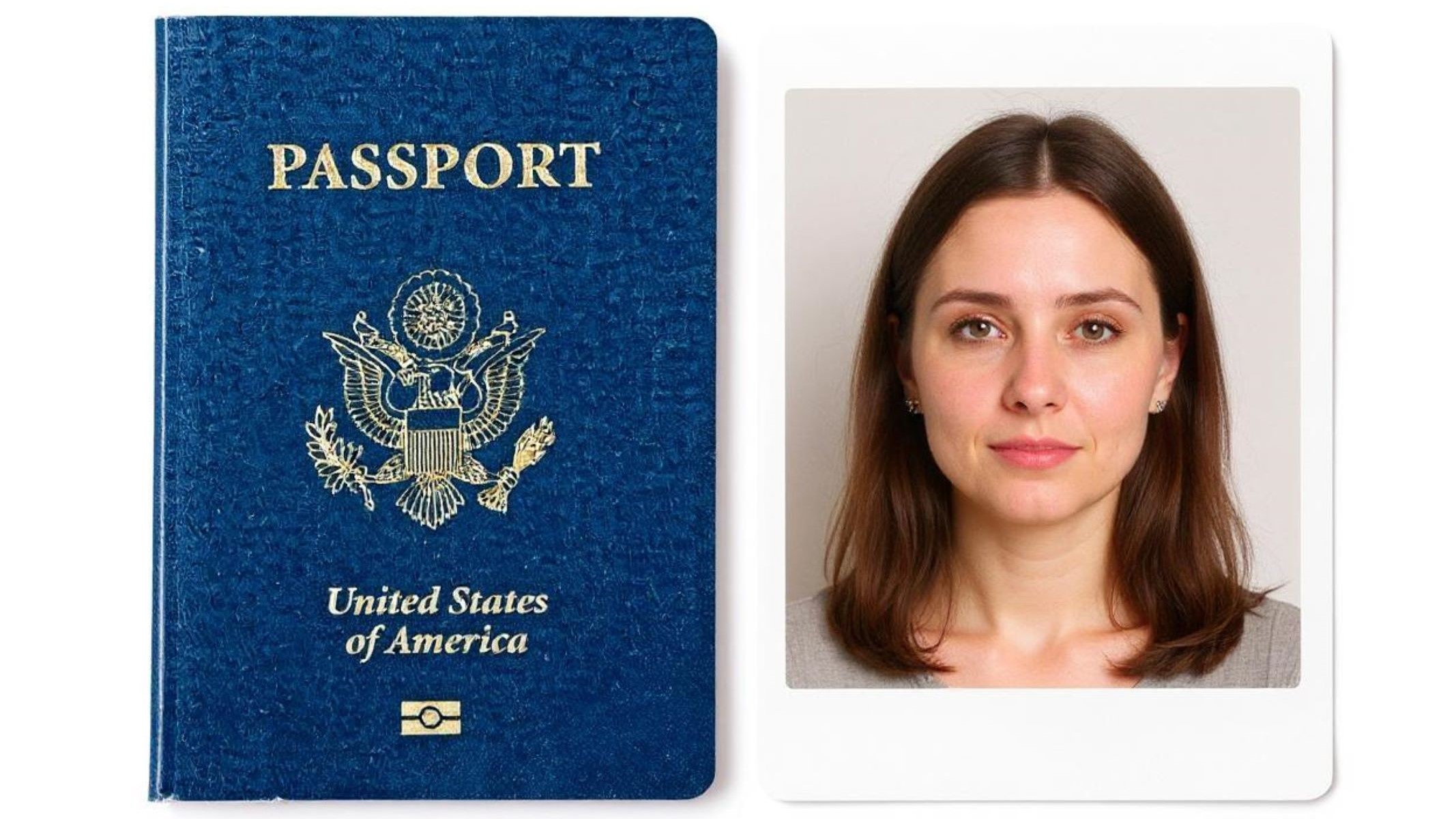
Haveyou ever stood in line at the passport photo booth, hoping the snapshot turns out okay, only to be told your picture doesn’t meetthe requirements? Trust me, you’re not alone. Passport size photos might seem like a small detail, but they hold big importance —after all, it’s your official identity on paper (or digital).
Getting a passport photo right is like hitting the bullseye inarchery: it takes focus, attention to detail, and understanding the common pitfalls. In this article, I’ll walk you through the top7 mistakes people make with passport size photos and, more importantly, how to fix them so your next photo is awinner. Use a passport size photo maker to make this easier.
Wrong Photo Dimensions and Size
One of the most common mistakes people make with passport photos is using the wrong size or dimensions. Every country has specific requirements for passport photo dimensions, and most commonly, the size is 2×2 inches (51×51 mm) or something very close to that. If your photo doesn’t match these exact measurements, it’s very likely that your passport application will be rejected without any further consideration. The photo size matters because it needs to fit perfectly into the official documents and be compatible with identification systems used by immigration authorities worldwide.
Many applicants overlook this detail, assuming any standard photo size will work. However, even a slight deviation can cause issues. For example, if your face appears too large or too small within the frame, or the overall photo size is off, it can lead to your photo being dismissed. This not only wastes your time but can also delay your passport processing by weeks or months. Because of this, it’s essential to understand and strictly adhere to the size specifications provided by your country’s passport office.
To avoid these problems, it’s best to know the exact requirements before taking or submitting your photo. Governments usually provide clear guidelines on their official websites, detailing the exact size, background color, and head positioning needed. If you’re taking the photo yourself, you should use professional photo apps or photo booths that automatically crop and resize the image according to official standards. These tools take away much of the guesswork and help you produce a compliant photo on the first try.
Printing the photo correctly is another crucial step. Using high-quality photo paper and professional printing methods ensures your photo meets the necessary clarity and color standards. Avoid printing on regular paper or using low-resolution printers, as this can affect the photo’s sharpness and color accuracy, which might lead to rejection. Paying attention to these details ensures your passport photo fits the official requirements perfectly, saving you frustration and speeding up your application process.
Poor Lighting and Shadows
| Problem Area | Description | Impact on Passport Photo | Common Causes | Solutions |
| Harsh Shadows | Shadows on face or background create uneven lighting | Distorts facial features, making ID difficult | Overhead or uneven lighting | Use natural light, avoid direct sunlight |
| Uneven Background | Background shows shadows or dark spots | Distracts from the face, may cause rejection | Poor lighting setup, cluttered wall | Use plain, light-colored background (white/off-white) |
| Glare and Reflections | Light reflects off skin, glasses, or background | Obscures facial details | Strong direct light, shiny surfaces | Adjust angle, avoid overhead or direct light |
| Dim Lighting | Insufficient light leads to dark or grainy photos | Photo appears unclear or blurry | Low light environment | Stand facing a window, increase ambient light |
| Inconsistent Lighting | Light intensity varies across the photo | Creates unprofessional, uneven look | Mixed light sources or shadows | Take multiple shots, experiment with angles |
Incorrect Facial Expression
When taking a passport photo, getting the facial expression right is crucial because most official guidelines require a neutral expression with a closed mouth. Smiling, frowning, or any exaggerated expressions can lead to your photo being rejected. Here is a detailed list of tips to help you achieve the perfect expression for your passport photo:
- Understand that a neutral facial expression is mandatory; avoid smiling, frowning, or any expression that changes your natural look.
- Keep your mouth closed completely; lips should be relaxed and gently touching without showing teeth.
- Avoid smiling with teeth or lips, as it distorts your facial features and may cause rejection.
- Do not pucker or press your lips tightly together; this can create unnatural tension on your face.
- Practice a relaxed face by releasing any tension in your jaw, cheeks, and forehead.
- Keep your eyes fully open; do not squint or narrow them as it can make your eyes appear smaller or strained.
- Avoid blinking or looking away from the camera to ensure your eyes are clearly visible.
- Look directly into the camera lens to maintain eye contact and capture your true likeness.
- Keep your head straight and level; do not tilt or turn your head in any direction.
- Maintain a natural posture without slouching or leaning forward or backward.
- Ensure your eyebrows are in a natural, relaxed position, neither raised nor furrowed.
- Avoid any facial gestures like biting your lip, pursing, or chewing.
- Remove any distractions on your face, such as hair covering your eyes or face.
- If you wear glasses, remove them unless medically necessary, as reflections can obscure your eyes.
- Take a few practice photos to see how your expression looks on camera and adjust accordingly.
- Remember that the goal is to have a photo that accurately represents your usual appearance for official identification purposes.
- Stay calm and breathe naturally to help maintain a composed, neutral expression.
- Avoid sudden movements or expressions right before the photo is taken to prevent blurry or awkward shots.
Wearing the Wrong Clothing or Accessories
When it comes to passport photos, the main focus should always be your face. Any clothing or accessories that distract from or obscure your facial features can cause your photo to be rejected. This includes items like hats, sunglasses, or even clothing with busy patterns that clash with the background. The goal is to have a clear and unobstructed view of your face to make identification easy and accurate.
Many people don’t realize that certain head coverings are only allowed if they are worn for religious reasons. Otherwise, hats or any other headgear should be completely removed before taking your passport photo. Similarly, sunglasses and tinted glasses are not acceptable because they hide your eyes, which are critical for identity verification. Even clear glasses can cause issues if there is glare or reflections, so it’s often safer to take the photo without them unless medically necessary.
When choosing what to wear, opt for plain, neutral-colored clothing. Bright colors, busy patterns, or clothing that closely matches the background color can make your photo look unprofessional or cause you to blend into the background. It’s best to keep your outfit simple so the attention stays on your face. Additionally, make sure your hair is neatly styled and pulled away from your face so it doesn’t cover your eyes, eyebrows, or cheeks.
If you’re unsure about getting your photo right, many websites offer tools for a free passport photo that can guide you through the proper clothing and accessory guidelines. Using these resources can help ensure your photo meets all official requirements and saves you from costly rejections or retakes. Remember, a clean, distraction-free image is key to a smooth passport application process.
Low Resolution or Blurry Images
| Issue | Description | Impact on Passport Photo | Common Causes | Solutions |
| Low Resolution | Photo lacks detail and appears pixelated | Makes identification difficult, causes rejection | Using low-quality cameras or images | Use a good-quality camera, preferably modern smartphones |
| Blurry Images | Photo is out of focus or smeared | Distorts facial features, reduces clarity | Camera shake, movement during shot | Keep the camera steady using a tripod or steady hands |
| Digital Zoom Effects | Using digital zoom reduces image quality | Pixelation and loss of detail | Zooming in digitally on smartphones or cameras | Avoid digital zoom; move closer physically if possible |
| Over-Editing | Applying filters or excessive edits | Reduces sharpness and natural look | Using photo filters or editing software carelessly | Avoid filters; use minimal editing to maintain clarity |
| Poor Lighting | Insufficient or uneven lighting affects sharpness | Results in grainy or unclear photos | Dark environments or improper lighting setups | Use adequate lighting, preferably natural light |
Background Issues
- Ensure the background of your passport photo is completely plain without any patterns or textures that could distract from your face.
- Use a white or off-white background, as these colors are universally accepted for passport photos.
- Avoid backgrounds that have shadows, dark spots, or uneven lighting which can interfere with the clarity of your photo.
- Remove any objects, clutter, or furniture from behind you that might appear in the photo and cause distractions.
- Do not use backgrounds with bright colors or busy scenes that blend with your clothing or hair.
- Stand at an appropriate distance from the background to avoid casting shadows on the wall or backdrop.
- Use natural, soft, and even lighting to prevent harsh shadows on both your face and the background.
- Avoid overhead lighting that can create unwanted shadows on the backdrop.
- If taking the photo at home, position yourself facing a window with diffused daylight to get balanced light on the background.
- Use a plain sheet or fabric as a temporary backdrop if a suitable wall is not available, ensuring it is wrinkle-free and light-colored.
- Avoid outdoor settings with unpredictable backgrounds such as trees, fences, or buildings.
- Consider using a free passport photo app that offers background editing tools to replace or smoothen the background to official standards.
- Double-check the photo to make sure there are no shadows, patterns, or objects that appear behind your head or shoulders.
- Make sure the background is consistent in color and brightness throughout the entire photo.
- Ensure the background contrasts enough with your face and hair to clearly define your silhouette.
- Avoid using flash directly aimed at the background, which can cause glare or bright spots.
- Keep the backdrop simple so that all attention is on your facial features, as required by passport regulations.
Incorrect Head Position and Size
Getting your head position and size right in a passport photo is crucial because strict guidelines govern how your face should appear within the frame. If your head is too close to the camera or too far away, it can distort your features or cause your photo to be rejected. Similarly, tilting your head or positioning it off-center makes the photo non-compliant and difficult for officials to use for identification. The photo needs to clearly show your face in a natural and proportionate way.
Most passport photo regulations specify that the height of your head—from the bottom of your chin to the top of your crown—should measure between 1 inch and 1 3/8 inches (approximately 25mm to 35mm). Your face must be centered perfectly in the frame, looking straight at the camera with your shoulders visible and squared. This ensures a balanced and symmetrical image, which helps facial recognition software and human inspectors verify your identity quickly and accurately.
To avoid issues with head size and position, it’s important to measure your photo before printing to confirm that your head fits within the required size limits. Many smartphone cameras and editing applications include gridlines or framing guides you can use to center your face precisely. This tool can help you maintain the correct proportions and prevent your head from being too large or too small in the final photo.
Avoid tilting or turning your head in any direction, as passport photos require a straight-on view to capture your true likeness. Keeping your head level and looking directly into the camera also ensures that your features are evenly lit and clearly visible. Taking these steps carefully will help you create a compliant passport photo that meets all official standards and reduces the risk of delays in your application process.