
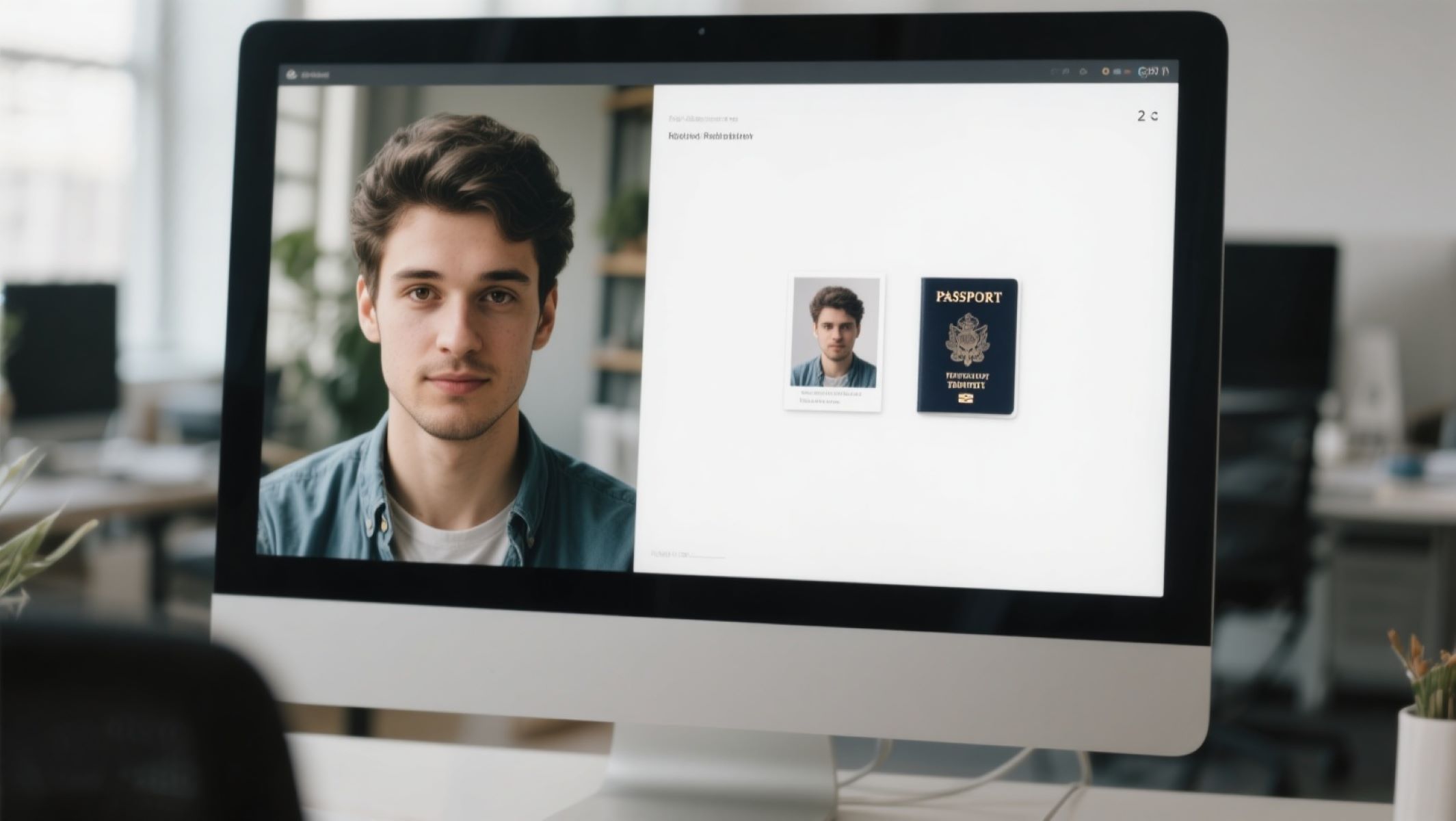
Let’s face it—getting the perfect passport photo can be a pain. You’ve got to meet specific requirements, worry about the background, lighting, and your expression. And going to a professional studio can cost time and money you don’t always have. That’s where free digital passport photo websites come in handy. But with so many options out there, how do you pick the best one? Don’t sweat it — I’ve done the homework for you. In this article, you’ll find the top websites to create free digital passport photos that are easy, reliable, and follow official standards.
What Makes a Great Digital Passport Photo Website?
Before diving into the list, let’s break down what you should look for in a passport photo website. Not all online tools are created equal, and the quality can vary wildly — from those that offer barely usable, blurry images to advanced tools that almost feel like a mini photo studio right in your browser. A great digital passport photo site does more than just crop your photo to size. It ensures your image meets official requirements — whether you’re applying for a U.S. passport, a Schengen visa, or an Indian e-visa. This means correct dimensions, proper head positioning, neutral lighting, and the all-important background. If these aren’t handled properly, your application might get rejected — which can be both frustrating and time-consuming.
User-friendliness is another major factor. The best platforms make it simple, even for those with zero tech skills. You should be able to upload a photo, make adjustments, and download the final version within minutes — without needing to read a user manual. Clear instructions, intuitive drag-and-drop interfaces, and visual alignment tools can make a huge difference. Some platforms even use facial recognition to automatically position your head within the required frame. Others include AI that alerts you if your facial expression or lighting doesn’t meet international standards.
Another essential feature is background editing. Not everyone has access to a clean white wall or ideal lighting conditions at home. That’s where auto background removal becomes a game-changer. The best websites either blur out imperfections or replace your background with a plain, government-approved white or light-gray tone. Some platforms allow manual adjustments too — in case you want full control. And while these might sound like premium features, many free websites offer them without watermarks or hidden paywalls.
Finally, security and privacy shouldn’t be overlooked. When you’re uploading your face to an online platform, especially for official documents, you want to be sure your data isn’t being misused. Trustworthy websites either delete your photo within a short time or don’t store it at all. They use encrypted connections (look for HTTPS in the URL) and have transparent privacy policies. Choosing a reputable platform with strong privacy practices ensures your passport photo doesn’t end up somewhere it shouldn’t — because let’s be real, no one wants their ID photo floating around the internet.
Key Features to Look For
| Feature | Why It Matters | Ideal Functionality | Common Issues When Missing | How to Recognize It |
| Official Compliance | Ensures your photo meets international or country-specific government standards, reducing chances of rejection. | Auto-sizing, proper head-to-frame ratio, alignment tools, country presets. | Application rejections, additional costs for retakes, wasted time. | Look for a feature that lets you choose your country or ID type before uploading the photo. |
| User-Friendly Interface | Makes the process smooth and accessible for everyone, even those with no tech experience. | One-click upload, drag-to-crop, visual guides, preview of results. | Frustration, confusion, or poor-quality results from misaligned or cropped photos. | Simple dashboard, on-screen photo guides, and clean layout with clear buttons. |
| Background Removal | Vital for people who don’t have a plain background at home. An AI-powered remover saves time and effort while ensuring compliance. | Auto-remove or replace backgrounds with white or light gray, with manual adjust options. | Photos with clutter or colored backgrounds can be rejected by official agencies. | Site advertises “AI Background Remover” or offers instant background editing tools. |
| Multiple Format Support | Allows the photo to be used for different platforms—online applications, printing at home, or sending to a photo center. | JPEG, PNG, PDF layouts for both digital and printable copies. | Format incompatibility or having to use third-party tools to convert files. | Download section shows different file types and allows print-size configurations (e.g., 4×6 or A4 layout). |
| Privacy and Security | Keeps your biometric data safe. This is especially important with sensitive documents like passports or visas. | Encrypted uploads, no long-term storage, photo deleted after use, transparent privacy policy. | Risk of photo misuse, identity theft, or data breaches. | Check for HTTPS in the URL, visible privacy statements, or phrases like “we do not store uploaded images.” |
How Does the Digital Passport Photo Process Work?
Wondering what happens behind the scenes? While it might look like magic, creating a compliant digital passport photo online is a structured process that blends automation, image analysis, and user input. Most platforms stick to a fairly standard approach, though the tools and features may vary. Below is a detailed breakdown of how the entire process typically unfolds — from the moment you snap your picture to the final downloadable image.
- Taking the Right Photo at Home
Everything starts with the right image. You’ll usually need to take a front-facing photo (preferably a selfie or headshot) with a neutral background. It’s best to use natural lighting, avoid shadows, and ensure your face is fully visible. Many websites offer tips before you upload, reminding you about posture, expression, and what to wear. - Uploading Your Photo to the Platform
Once you have your image ready, you simply upload it to the platform. Most sites support common file types like JPG or PNG. Some platforms even allow you to take a photo in real-time using your device’s camera, skipping the need to prepare it in advance. A quick drag-and-drop or tap of the upload button is all it takes. - Automatic Cropping and Alignment
After uploading, the software automatically detects your face and begins the process of cropping it to meet passport photo size standards. This usually includes centering your face, setting the correct head-to-frame ratio, and ensuring your eyes fall within the required vertical range. You’ll often see a preview window where you can adjust it manually if needed. - Facial and Expression Analysis
Some platforms use AI or facial recognition to analyze your expression, head tilt, and overall symmetry. If you’re smiling, wearing glasses, or your eyes are closed, the system may alert you. This feature helps ensure your photo won’t be rejected due to non-compliance with government rules. - Background Editing and Correction
If your background isn’t ideal, many tools will automatically remove it and replace it with a white or light gray background. Some services allow you to choose between auto-removal or manual cleanup using brush tools. This step is crucial for meeting official photo requirements. - Brightness, Contrast, and Color Correction
Lighting matters, and if your image is too dark or has color issues, platforms may apply basic corrections to ensure your skin tone looks natural and consistent. Adjustments to brightness, contrast, and exposure are often done automatically, but some tools let you tweak these manually.
Top Free Websites for Creating Digital Passport Photos
Ready to jump in? Here’s a curated list of the best free passport photo websites you can trust. These platforms have become go-to resources for anyone needing quick, compliant, and cost-effective passport photos without the hassle of visiting a professional studio. Each website brings something slightly different to the table—some offer advanced AI tools, while others keep it barebones and simple. Whether you’re applying for a passport, visa, student ID, or any other official document, these tools can help you get it done from the comfort of your home.
Passport Photo Online is often considered the most recognizable and widely used service in this category. It supports over 100 countries and uses intelligent automation to handle background removal, facial positioning, and compliance checks. The interface is incredibly friendly, guiding users through the process with real-time instructions and previews. However, while the site allows free downloads in low resolution, it does charge a fee for high-resolution images, which may be required for certain applications. Still, its speed and ease make it a favorite for many.
IDPhoto4You is another strong contender, especially if you’re looking for a no-fuss experience. This website is extremely straightforward—you just upload your photo, pick your country, and let the tool handle the cropping. It’s fast, accurate, and doesn’t require sign-up or personal details. The downside? It doesn’t offer background removal, so you’ll need to take your photo against a clean white or light-colored wall. But if your photo already meets those conditions, this site can deliver professional results in under five minutes.
PhotoAid, Make Passport Photo, and PersoFoto are also standout platforms worth considering. PhotoAid, for instance, brings AI-powered analysis into play, correcting backgrounds, checking head size and alignment, and even helping users capture compliant photos in real time. Make Passport Photo is ideal for those who just want to focus on passport-specific formats without being overwhelmed by extra tools. It has a minimalist interface, supports ID and visa formats for multiple countries, and keeps the process smooth. PersoFoto, on the other hand, prioritizes user privacy and secure photo handling. While it may not be as fast as others, its focus on automatic formatting and safe data practices makes it a top choice for privacy-conscious users.
Comparing the Top Websites
| Website | Background Removal | Country Support | Free Download Quality | Ease of Use | Privacy |
| Passport Photo Online | Yes (automatic AI-based) | 130+ countries including US, UK, India, Canada | Low-resolution is free; high-res requires payment | Very easy with on-screen instructions | Good – data stored briefly for processing, with secure connection |
| IDPhoto4You | No – requires a plain white/light background | Supports major passport and visa formats for 60+ countries | Fully free, no watermark, standard JPEG format | Extremely simple and beginner-friendly | Basic – no encryption, no image deletion policy shown |
| PhotoAid | Yes (AI background cleaner + smart alignment) | Covers 100+ official formats including eVisas | Free downloads in high quality without watermark | Intuitive layout with real-time validation | Very good – GDPR-compliant, clear data usage terms |
| Make Passport Photo | No – assumes user has plain background | Many formats for IDs, visas, and passports | Free high-resolution printable layouts (4×6 with multiple copies) | Basic, functional interface with clear steps | Basic – no detailed privacy policy, limited data disclosure |
| PersoFoto | Yes (automatic white background adjustment) | Broad international support, strong EU focus | Free with no watermark; includes print layout options | Slightly slower interface, but precise adjustments | Excellent – image not stored, secure SSL, strong privacy terms |
Step-by-Step Guide to Using These Websites
Let me walk you through a typical process so you know exactly what to expect when using a digital passport photo website. Even though each platform may vary slightly, the core workflow remains pretty consistent. The goal is to help you create a compliant passport photo without needing to step outside your home or pay a professional photographer. Here’s a comprehensive breakdown of every step you’ll go through—from snapping the photo to downloading the final image.
- Take a Proper Photo That Meets Official Standards
The entire process begins with a well-taken photo. You don’t need a professional camera—a decent smartphone will do just fine. What matters most is the setup. Find a plain, light-colored wall as your background. Stand or sit about a meter away from it to reduce shadows. Make sure the lighting is even, preferably natural daylight, and avoid overhead lights that cast shadows on your face. Keep your face straight and directly facing the camera. Maintain a neutral expression—no smiling or frowning. Your mouth should be closed and your eyes fully open. Remove anything that might obstruct your face such as hats, sunglasses, or large earrings, unless they’re required for medical or religious reasons. Tie back your hair if it covers your face, and make sure the entire head, including the top of your shoulders, is visible in the frame. - Upload the Photo to the Website of Your Choice
Once you’ve got your best shot, it’s time to upload it to the online tool. Open the website on your computer or mobile device and look for an upload button—usually labeled “Upload Photo” or “Choose File.” Click it and select the image file from your gallery or camera roll. Some platforms also allow you to take a live photo using your device’s camera directly within the browser. After the upload is complete, the website will usually ask you to select the document type or country, so it can automatically adjust the photo based on official specifications. This step is crucial because passport and visa photo requirements vary between countries. - Crop, Align, and Adjust the Image as Needed
After uploading, the site typically moves into the editing stage. Many modern platforms will automatically detect your face and crop the image accordingly—placing your head at the right size and position, ensuring it’s centered, and aligning your eyes within the required zone. If this doesn’t happen automatically, you’ll be able to manually adjust it using cropping tools and visual guidelines. Some sites even offer a head-position grid overlay to help you match the official proportions. If your background isn’t compliant, now is the time to fix it. Tools like AI-powered background removal can erase the existing background and replace it with a plain white or light-gray one. You may also be able to tweak brightness, contrast, and sharpness if your lighting was a bit off. Be sure to preview the final result to check for accuracy and clarity. - Download or Print the Final Passport-Ready Photo
Once you’re satisfied with the edited image, the website will give you options to download your photo. Choose the file format you need—typically JPEG for digital submissions or PDF if you want to print multiple copies on standard photo paper. Some websites let you choose between different layout sizes, like 2×2 inches for U.S. passports or 35x45mm for EU or Indian IDs. After downloading, you can either save the image to your device or email it to yourself for later use. If you need physical copies, print the image on glossy photo paper using a high-quality printer, or take it to a nearby photo center or store offering photo print services. And just like that, you’re done! Your passport photo is ready to submit online or attach to your application.